Resource And Production

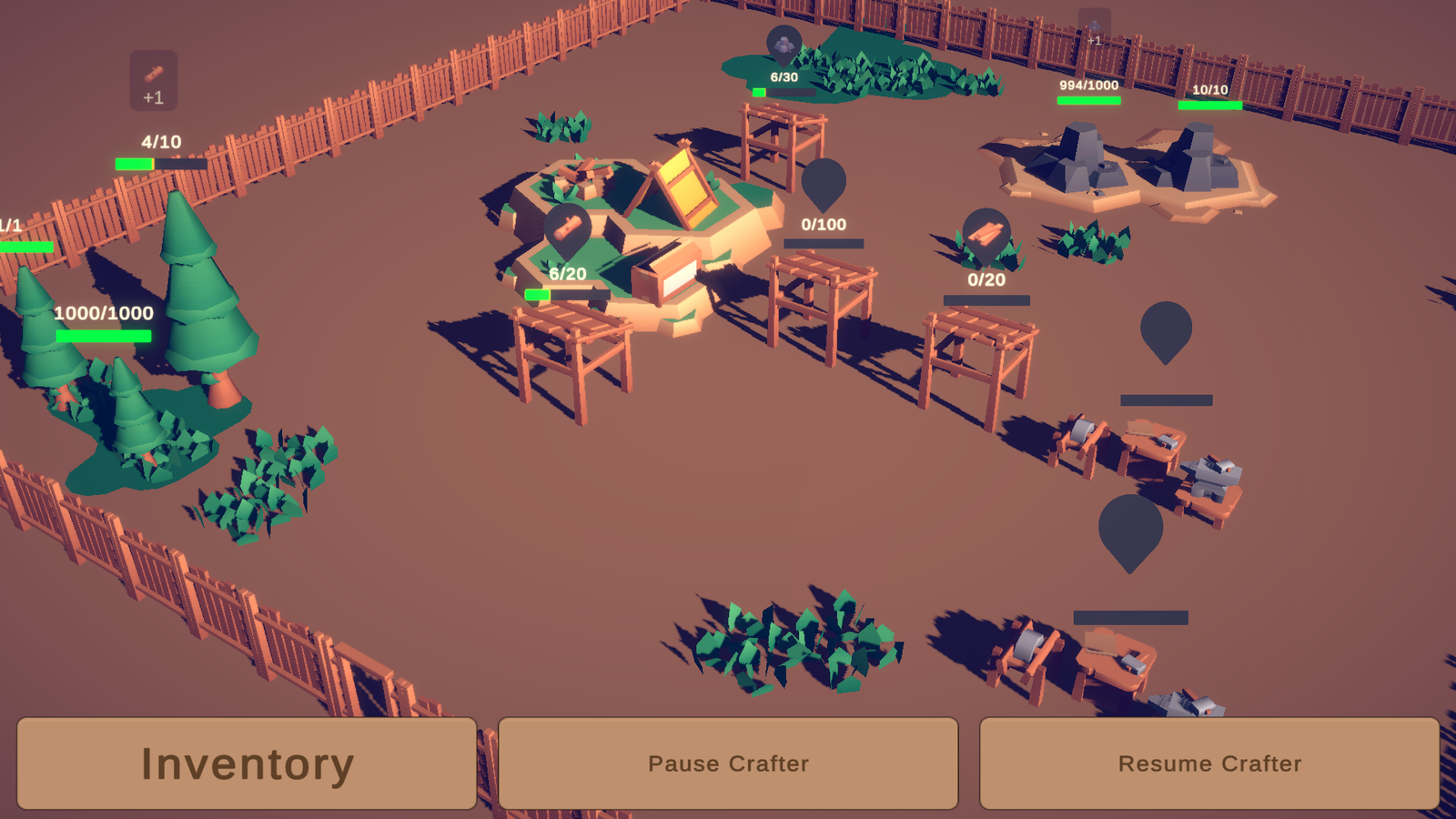
Resource and Production – Gather, Store and Craft. Create Items and Blueprints and use them across the entire system. Works in various game types, with over 18 Unity Events to hook into.
Features

Mining

  • Create Items using Scriptable Objects
  • Add Items to Resource Nodes to create Resources
  • Resource trigger types, trigger chance, amount/Min Max and recurring
  • Mine Resources using Click or Click and Hold
  • Auto Mining


Item Containers

  • Store Items in Item Containers
  • Set specific Item types, or allow all Items to be stored
  • Overall and Stack capacity
  • Centralised or Decentralised storage system based on Priority, Distance or Manual
  • Inventory UI for displaying Item Containers contents, either global, or individual Item Containers
  • Item Information Panel for displaying Items
  • Sell Items in the Item Information Panel


Crafting

  • Create Blueprints using Scriptable Objects
  • Craft new Items from Blueprints using Crafters
  • Store Blueprints in BlueprintGroups to only craft specific Blueprints like a Smelter, Crafter or Refinery
  • Direct Blueprint Select or a Blueprint Queue
  • Auto repeat crafting for Blueprint Select
  • Max Blueprint Queue space for Blueprint Queue
  • Material detection when missing from Blueprint
  • Blueprint Slots for displaying Blueprint Information


System

  • Saving and Loading
  • Easy drag and drop components such as Progress bars, Dynamic Icons and Popups
  • UI Billboards to have World UI components always face the Camera like those above
  • 3 Core Control Modes – Overseer – Player Controlled – First Person – Most game types can pick the best fit even if the mode is not exactly their game type. It simply reflects how the Input is handled

  • Other small extra helpful components such as EventVisuals and PlayerInteractionIndicators
  • 30 preset prefabs, 13 custom editors for ease of use
  • 18 Unity Events and Actions for your own logic
  • 40 Scripts
  • Unbloated small package – mostly code and setup with a few demo meshes and textures


Compatibility

  • New and Old Input System
  • Touchscreen
  • 3D
  • 2D


Documentation

  • 40 pages of information on each component, with details on setup and usage
  • All component docs are linked to the help icon box in unity for easy access (Open Reference for ‘Something’)
  • Docs contain cross links to relevent components to quickly pick up the system